




PDQ - Atlas Cloud
Lorem ipsum dolor sit amet, consectetur adipiscing elit, sed do eiusmod tempor incididunt ut labore et dolore magna aliqua.
- Home
- Integration
- PDQ
Native to Atlas
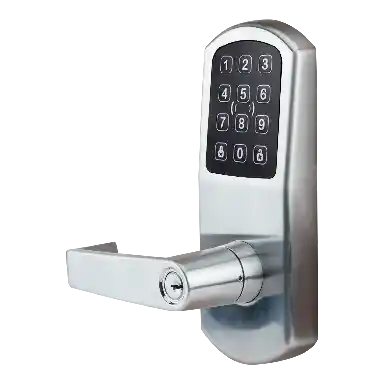
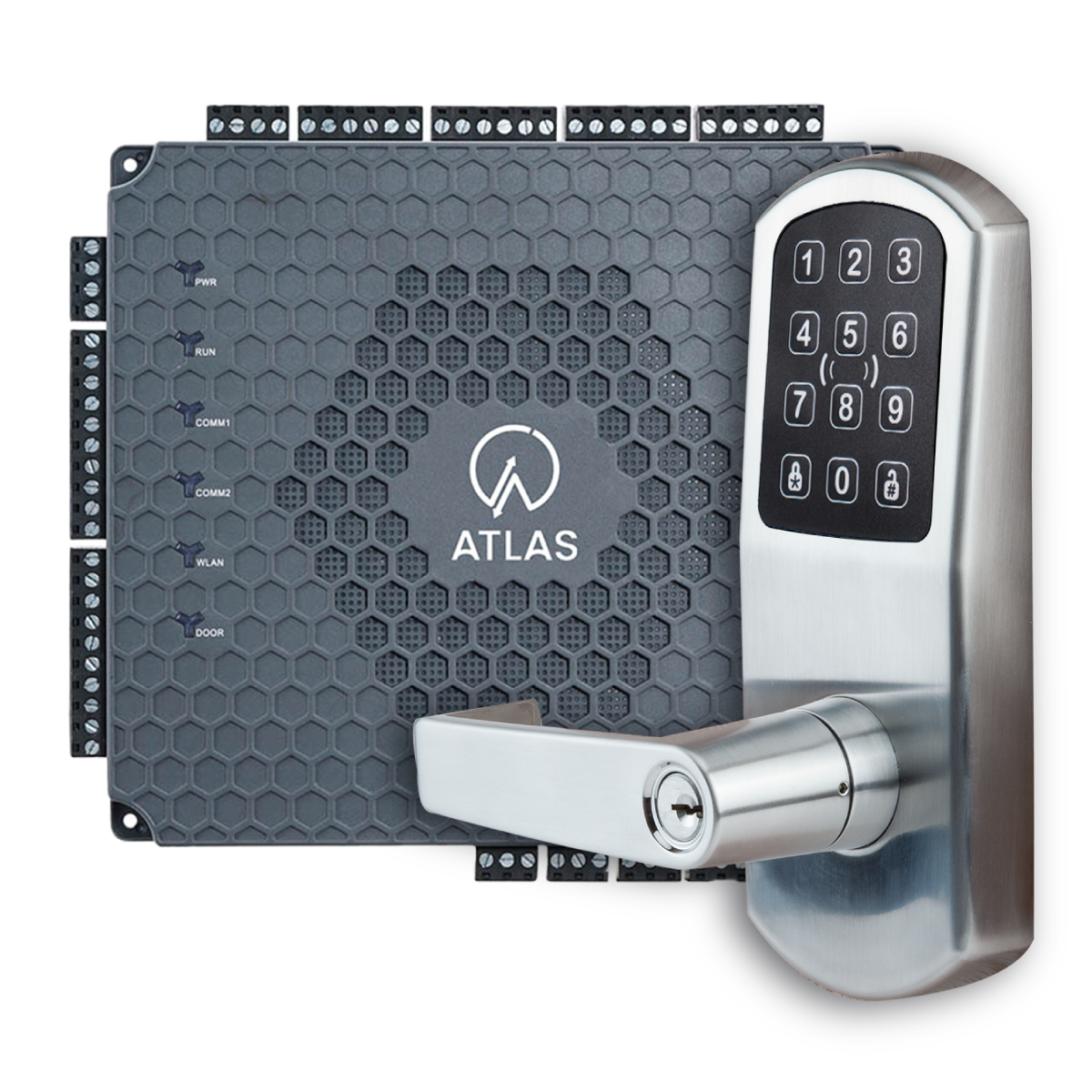
PDQ Spirit wireless locks connect to Atlas panels as a native device type through the PDQ Spirit Hub, over OSDP v2.2 Secure Channel. Hardwired readers on the perimeter, wireless locks on the interior all managed
in one Atlas system
No App. No Wire Run. No Middleware.
Commissioned from a browser and live in minutes.
NO APP
Locks are commissioned over BLE from the hub’s own web interface nothing to download to a phone and no separate lock-management account.
NO WIRE RUN
No cable to the door. Locks talk wirelessly to a hub powered by PoE or 12–24 V DC ideal for retrofits, finished walls and interior suites.
NO MIDDLEWARE
PDQ Spirit/OSDP” is a built-in Atlas device type. Enter a name, the hub’s IP:port and an OSDP address no gateway server or third-party software.
How It Connects
Local-first by design: the hub talks to the Atlas panel over your site network, so wireless doors keep working even when the internet or cloud connection is down.
PDQ Spirit Lock
BLE 4.2 to the hub
Wireless lockset installed at the
door.
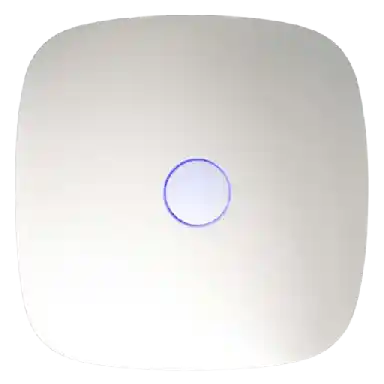
PDQ Spirit Hub
Up to 6 locks per hub, connected to
the panel with OSDP over IP.
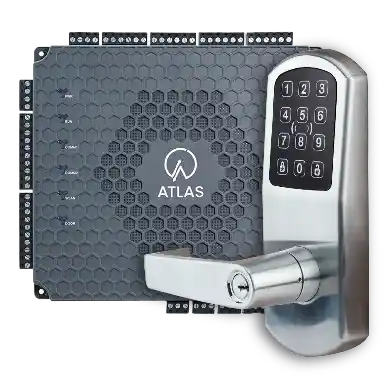
Atlas Panel
Each lock is managed as a native
sub-controller.
One System. Every Door.
- Wired readers and wireless locks share one user database, one event log and identical access logic.
- Doors never wait on the cloud — lock decisions are made at the Atlas panel over the local network.
- Open doors with a phone or watch — Apple Wallet and Google Wallet credentials, issued through authorized wallet credential providers.
- An open OSDP v2.2 Secure Channel connection — no lock-in to a single credential technology.
- No mandatory subscription — add AtlasCloud for remote management, encrypted backup and automatic firmware updates when you're ready.
Commissioned From a Browser. Live in Minutes.
Wake It
Press the button on top of the hub. A flashing LED ring opens a
configuration session.
Connect It
Join the hub’s access point, then
place the hub on the site network
over PoE Ethernet.
Claim It
In the hub’s Devices tab, select a
discovered lock, assign a unique
OSDP address and click Connect.
Add It
In Atlas, go to Config → Hardware
→ Modify → Add PDQ Spirit/OSDP.
Fill in three fields and the lock is
live.
Built for Doors Where Wires Can't Reach

Assisted Living
Secure resident rooms, med rooms and staff areas without disruptive construction in occupied buildings.

Student Housing & Dorms
Credentialed access to every unit door, with semester turnover handled in software instead of rekeying.

Multi-Family Residential
Perimeter readers and in-unit wireless locks on one Atlas system, with one user database and one audit trail.

Offices & Retrofits
Interior offices, IT closets and suites where finished walls, glass or historic fabric make wiring impractical.

Why Atlas + PDQ Spirit
Simpler for the people who run the building, and for the people who install it.
For Facility Owners & Managers
- Secure interior doors without opening finished walls or disrupting occupied buildings.
- Manage wired and wireless doors from one embedded web application, with one audit trail.
- Handle turnover in software instead of rekeying.
- Keep doors working during internet outages.
- No mandatory subscription fees, with a Lifetime Warranty available through AtlasCloud.
For Dealers & Integrators
- Meet the wireless-lock requirement on residential, campus and senior-living specifications.
- Skip the second access control system, cloud subscription and middleware that other platforms often require.
- Commission locks from a browser — no app and no separate lockmanagement account.
- Sell outright, or attach AtlasCloud for recurring monthly revenue (RMR).
- NDAA-compliant hardware, designed and engineered in the USA.
Atlas Built to Scale
6
Locks per Spirit Hub
5
Hubs per Atlas panel
30
Locks per Atlas panel
Specifications
| Feature | Details |
|---|---|
| Atlas panels | Atlas 160, Atlas 260 and Atlas 460, including Primary/Secondary configurations |
| Atlas firmware | Atlas 4.7.0 or later |
| PDQ Spirit lock models | KMS, SDS, CLS, MRS, GTS and 6EWS |
| Hub part number | PDQ Spirit Hub, P/N SP90048 |
| Lock radio | Bluetooth Low Energy (BLE 4.2), lock to hub |
| Hub network | Ethernet; DHCP or static IP |
| Hub power | PoE or 12–24 V DC |
| Panel protocol | OSDP v2.2 over TCP (default port 10001) |
| Security | OSDP Secure Channel; custom SCBK installed and transferred from Atlas |
| Capacity | 6 locks per hub; 5 hubs per Atlas panel; 30 locks per Atlas panel |
| Commissioning | Hub web interface; no mobile app required |
| Door inputs | Door position and REX configurable per subcontroller, where the lock supports them |
| Deployment | Size hubs and panels to the wireless door count; reserve a fixed IP for each hub |
Talk To a Cielo365 Solutions Engineer
See the readers working with Cielo365 in a live demo, and get a reader recommendation for every door in your project.
Useful Links
Contact us
Phone : (862) 505-2101
Email : atlasinfo@atlascloud.io
Address : 1600 Union Hill Road Alpharetta, GA 30005
©2026 AtlasCloud